
WEBATAR
WEBATAR IS A MOBILE BUSINESS APP WHICH LETS YOU RUN YOUR BUSINESS ON THE GO FROM A CELLPHONE OR TABLET!
ABOUT THE APP
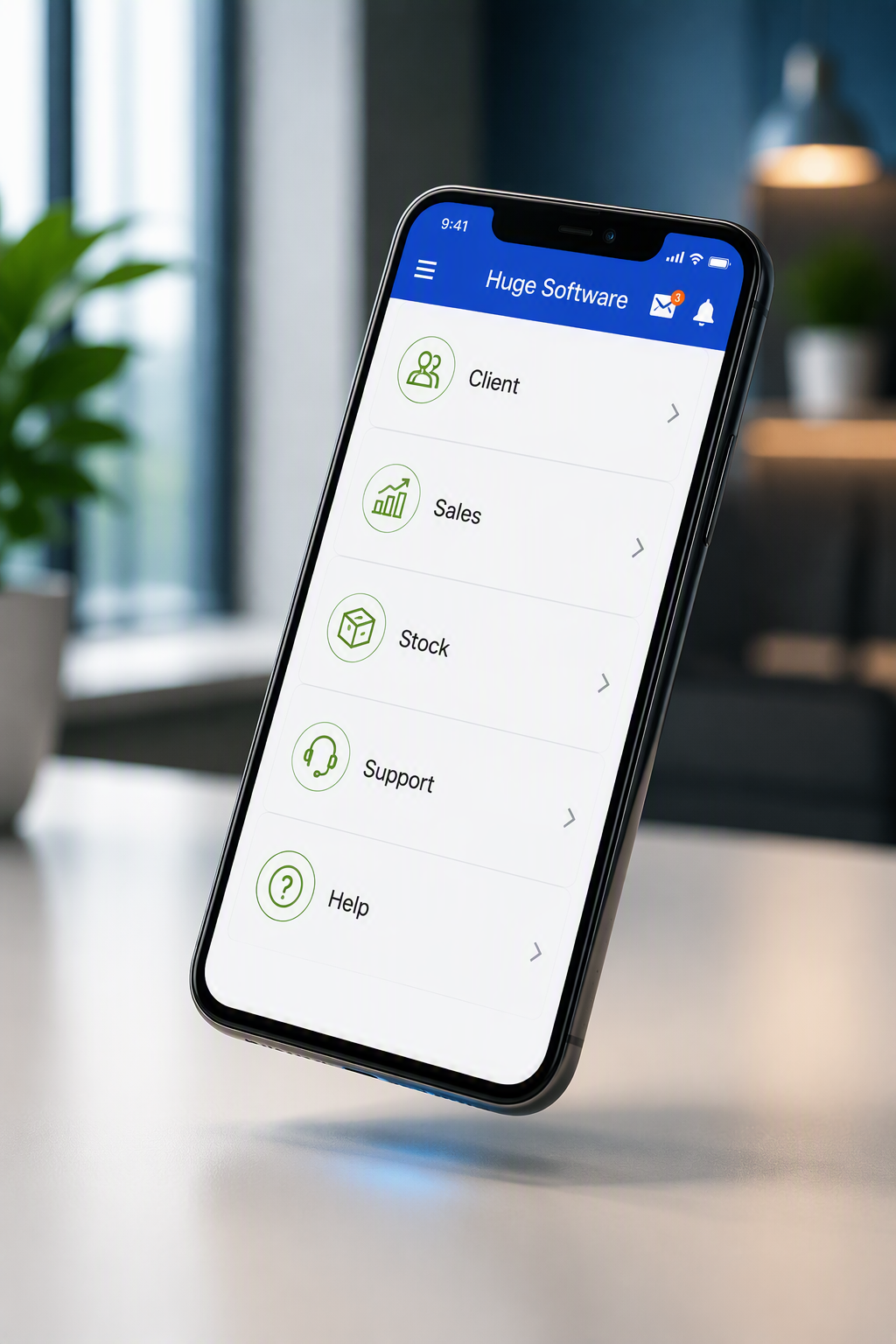
Webatar is a powerful mobile workforce solution designed for businesses that need access to critical information while on the move. Whether you're managing field staff, sales representatives, consultants, or service technicians, Webatar enables your team to log time, create quotes, raise invoices, capture job information, and stay connected from anywhere.
Built with both online and offline capabilities, Webatar allows users to continue working even when internet access is unavailable. Data is securely synchronised with your central system once a connection is restored, ensuring information remains accurate and up to date across the organisation.
With a user-friendly mobile interface and seamless integration with Huge ERP, Webatar helps improve productivity, reduce paperwork, streamline workflows, and provide real-time visibility into your field operations. Businesses gain greater efficiency, faster response times, and complete access to the information they need—wherever work takes them.
Who is it for?
Webatar is ideal for businesses with mobile teams that need access to critical business information while working in the field. Whether you're a consultant, sales representative, service technician, project manager, architect, designer, or support professional, Webatar enables your team to capture time, manage jobs, create quotes, update customer information, and complete tasks from any location using a smartphone, tablet, or web browser.
How does it work?
Webatar connects your field workforce to your business systems, providing secure access to real-time information wherever work takes them. Designed with both online and offline capabilities, users can continue working even without an internet connection. Once connectivity is restored, data automatically synchronises with the central system, ensuring information remains accurate and up to date across the organisation.
The solution integrates seamlessly with Huge ERP, allowing businesses to streamline workflows, reduce paperwork, improve communication, and gain greater visibility into field operations.
Why choose this app?
Webatar helps businesses improve productivity, enhance customer service, and accelerate business processes by giving mobile teams instant access to the tools and information they need. Time is captured more accurately, quotes and invoices can be generated faster, and job information is available in real time, helping reduce delays and administrative overhead.
With greater visibility into workforce activity and operational performance, managers can make more informed decisions while improving efficiency, accountability, and cash flow across the business. Webatar empowers your team to work smarter, respond faster, and stay connected from anywhere.
Effortless Time Capture
Record time against clients, projects, and tasks with ease using your smartphone, tablet, or web browser.
Capture time from anywhere — online or offline
Log time in real time against clients and projects
Assign tasks and schedule work for team members
Apply actual and estimated billing rates
Record notes and activity details
Add travel, expenses, and disbursements
Set start and finish times for accurate tracking
Prioritise tasks and activities
Bill stock and materials used on jobs
Import timesheets from Excel
Attach photos and supporting documents
Capture electronic signatures
MORE FEATURES

Faster Time-to-Invoice
Convert billable time into invoices quickly and accurately, helping improve cash flow and reduce administration.
Select and invoice multiple time entries in one process
Review and adjust billing values before invoicing
Validate invoice totals before processing
Generate statements and age analysis reports
Process payments and allocations with ease
Gain visibility into billable versus recovered time
Reduce missed billings and improve profitability

QUOTES
Create quotes instantly and capture customer signatures on your device.

CLIENT VISITS
Real-Time Capture – Record time, travel, tolls, and stock on the go.

Online Only – Book assets in for repair, manage the job, create quotes, track costs, and invoice before booking the asset out.
BOOKINGS

Online Only – Approve purchase orders on the go, review supplier quotes, and authorise spending from anywhere.
APPROVALS

Online or Offline – View customer details, recent invoices, outstanding tasks, performance trends, and navigate directly to the client.
CLIENT INFORMATION

CHECKLIST
Online or Offline – Create custom checklists for assets, fleet, equipment, and machinery inspections.

Online Only – Access client records, asset information, and digital files while allowing field staff to update information in real time.
ASSET MANAGEMENT

Online Only – Assign, track, and manage sales leads while keeping sales representatives updated in real time.
SALES LEADS

INVENTORY
Online Only – View real-time stock levels across multiple warehouses and locations.

Offline – Capture expenses on the go, attach receipt photos, and submit claims for approval, including fuel, entertainment, and reimbursement expenses.
EXPENSES

REMINDER
Online or Offline – Create tasks, request information, and receive notifications when completed.

Online Only – Schedule, track, and monitor support logs while keeping clients updated on progress and completion status.
SUPPORT LOG TICKET
DOWNLOAD THE APP